Dezor Player Pro delivers blazing-fast, crystal-clear streaming with an interface so elegant, you'll forget you're managing a playlist. Your channels. Your way. Perfected.
We obsess over every detail so you can focus on what matters — enjoying your content.
⚡
Instant Startup
App launches in under 2 seconds. Channel switching under 500ms. Speed is a first-class feature.
🎨
Elegant Interface
Every pixel is intentional. A UI that feels as good as it looks — on a phone, laptop, or 85" TV.
🔄
Smooth Playback
Our video engine adapts in real-time to your network. Fewer buffering interruptions than any competitor.
🧩
Simple Activation
One-click activation via your account. No complicated setup. Activated in under 60 seconds.
🌍
Cross-Platform
One license, 6+ platforms. Switch from your phone to your TV to your laptop — seamlessly.
🔧
Always Improving
Regular updates ship new features, performance boosts, and UI refinements automatically.
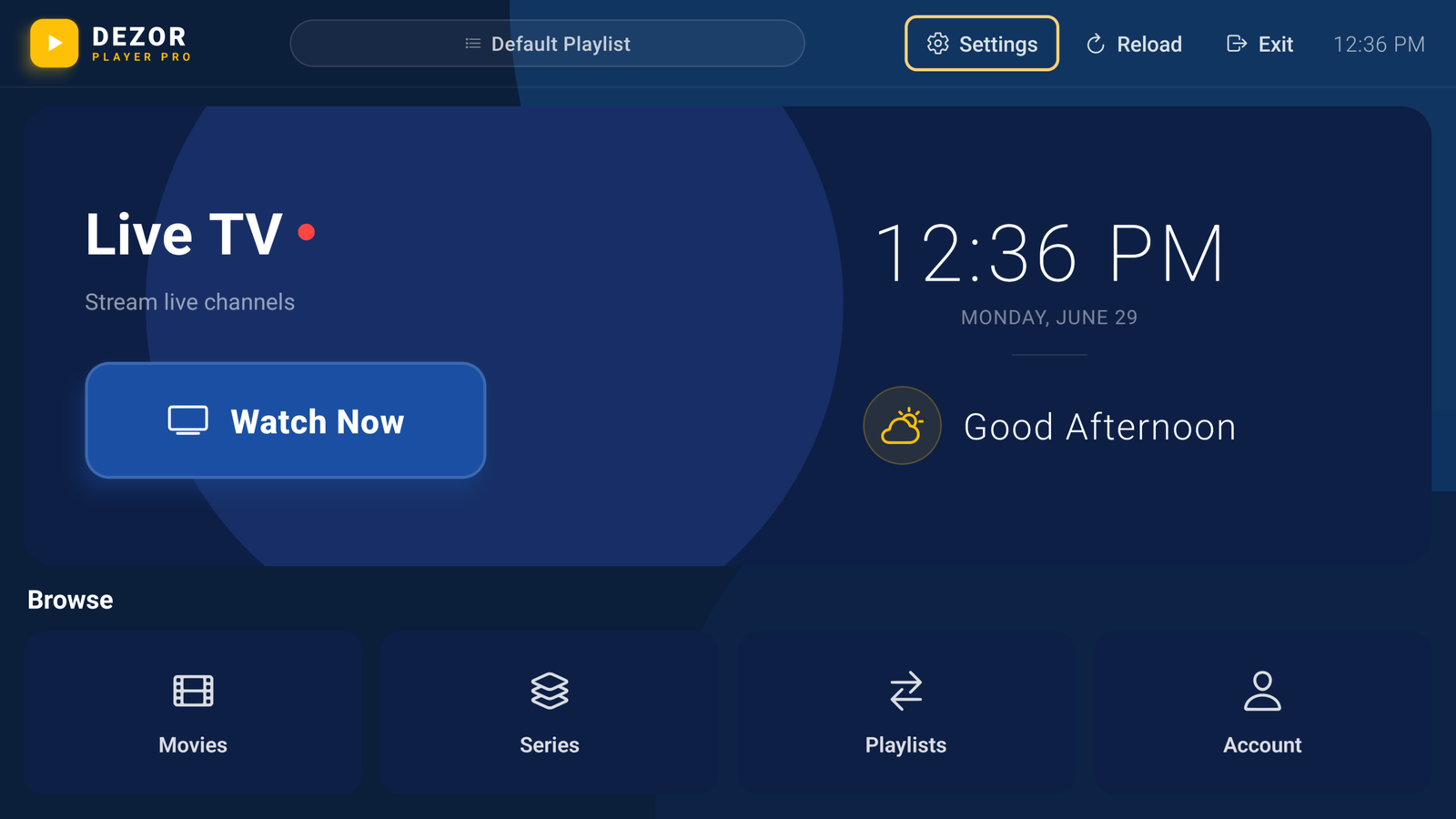
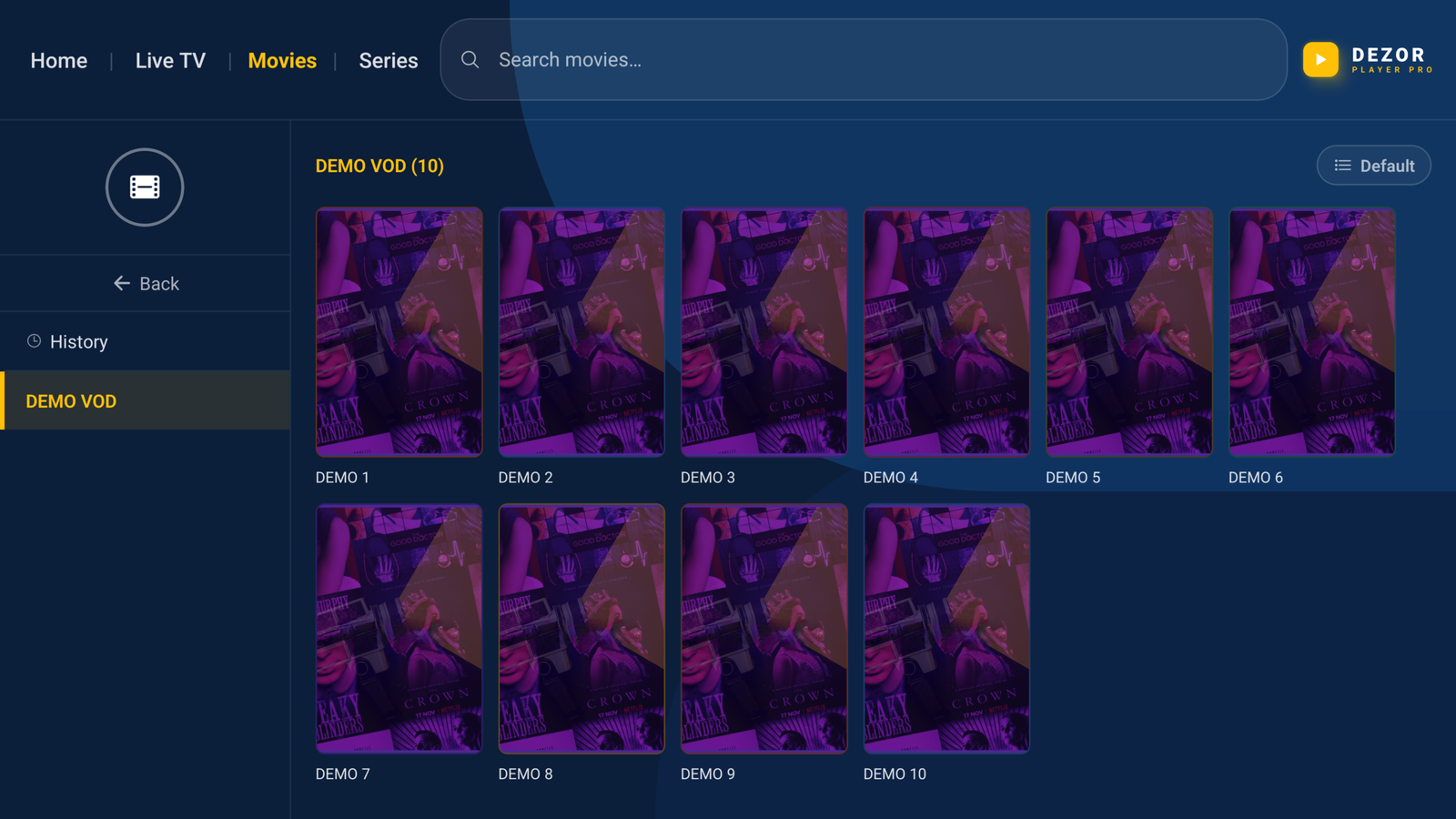
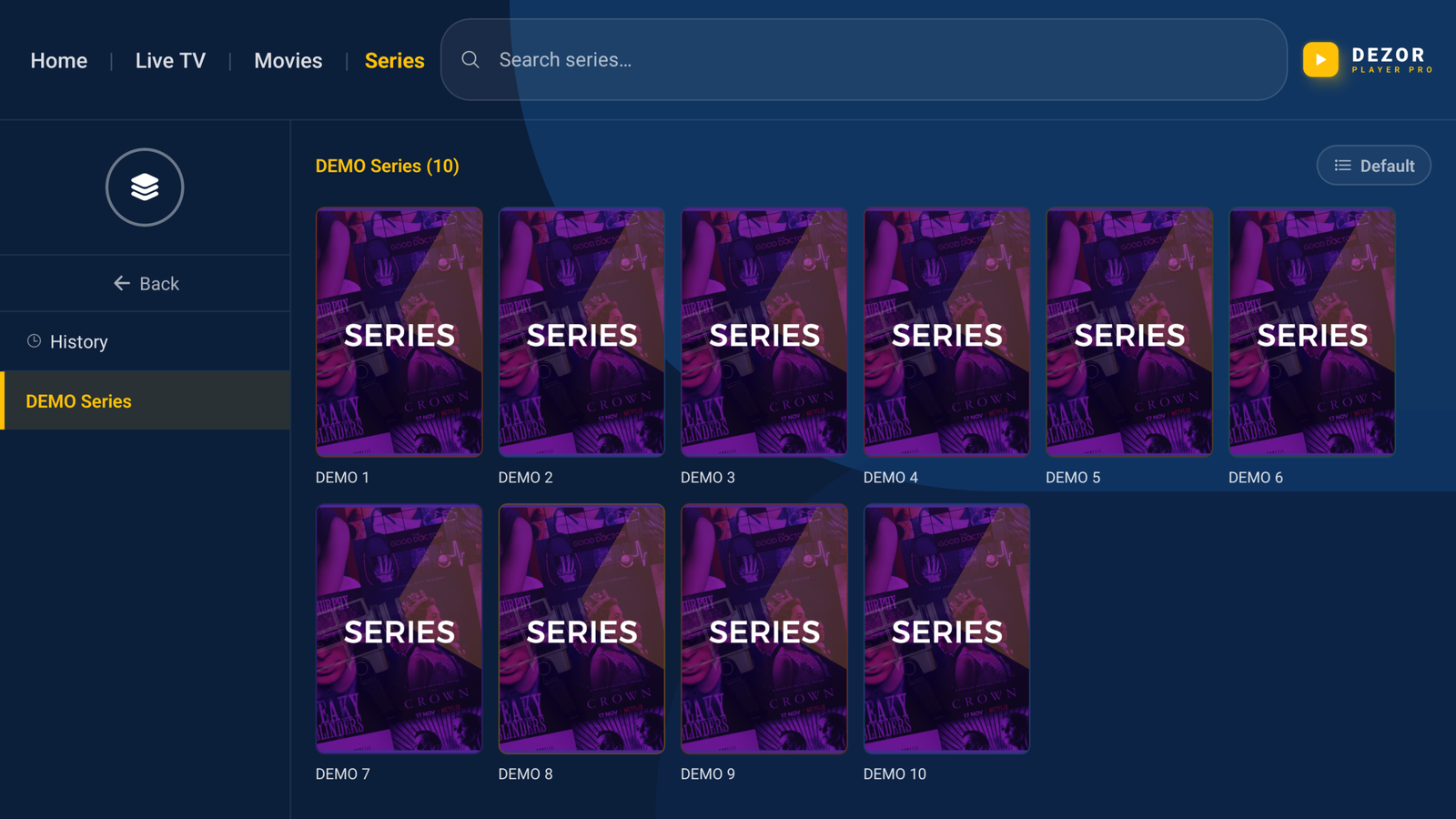
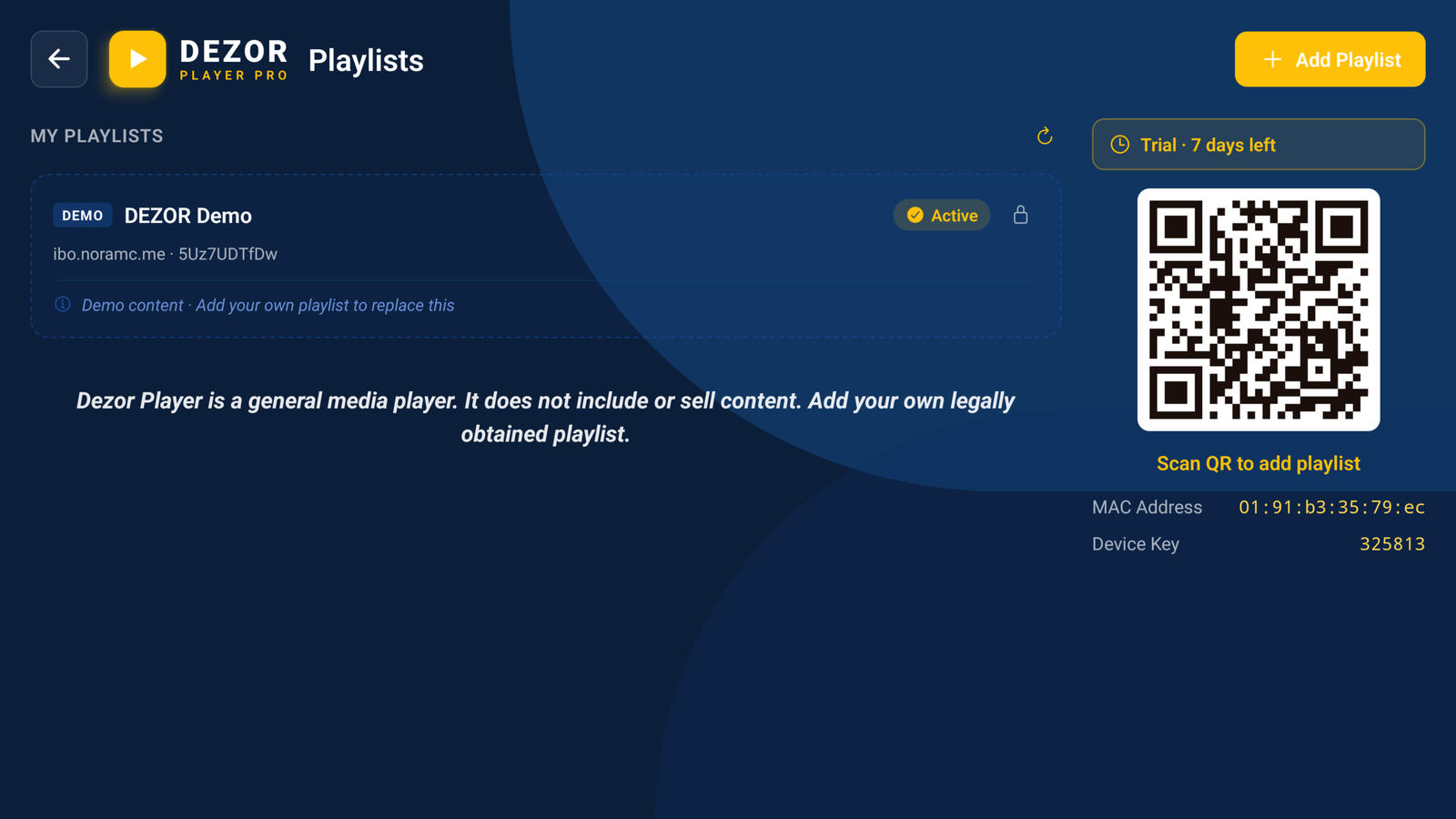
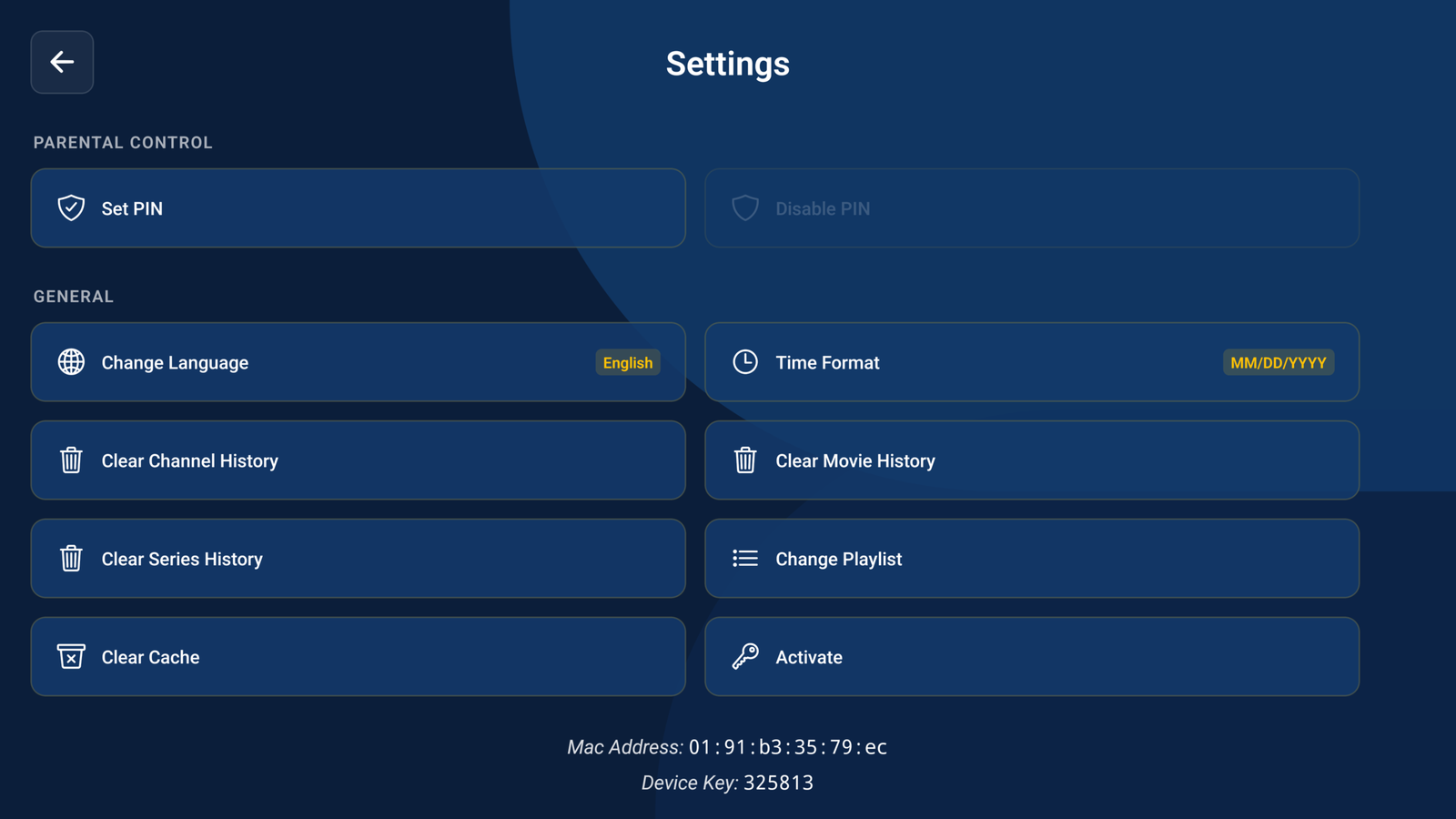
📸 App Preview
See Dezor Pro in Action
Real screenshots from the actual app — what you see is what you get.
HomeMoviesSeriesPlaylistsSettings
📊 Numbers
Trusted by Streamers Worldwide
500K+
Active Users Worldwide
50M+
Hours Streamed
15+
Platforms Supported
99%
Uptime Availability
4.9★
Average User Rating
❓ FAQ
Questions? Answered.
Everything you need to know before getting started.
After downloading the app, create or log into your Dezor account and enter your activation key. Activation is instant and takes under 60 seconds. You will then be prompted to load your own IPTV playlist.
No. Dezor Player Pro is a pure media player application. We do not provide, sell, or distribute any channels, movies, series, or any content of any kind. You must bring your own IPTV playlist from your own provider.
Yes. Dezor Player Pro fully supports Xtream Codes API. Simply enter your server URL, username, and password from your IPTV provider and the player will import all your channels, movies, and series automatically.
Absolutely. Dezor Player Pro supports both M3U and M3U8 formats. You can load a remote URL or import a local file. The player parses and organizes your channels by category automatically.
You can manually refresh your playlist from the Settings menu at any time. You can also set up automatic refresh intervals (daily, weekly) so your channel list always stays up to date without manual intervention.
Yes. Dezor Player Pro supports multiple simultaneous playlists. You can switch between them from the playlist manager, or merge them into a single unified channel list.
Yes. The player supports embedded subtitles, external subtitle files (.srt, .ass), and multiple audio tracks. You can switch between languages during playback without interrupting the stream.
Yes. Dezor Player Pro is available for Android TV, Google TV, Amazon Fire TV, and selected Samsung and LG models. The TV version is fully optimized for remote navigation and large screens.
Yes. Dezor Player Pro lets you open any stream in your preferred external player. Simply long-press a channel or use the player options menu to choose an external app for playback.
Without a playlist, Dezor Player Pro cannot stream any content. We do not provide playlists or channel sources. If you do not have your own IPTV subscription from a third-party provider, there is no need to purchase the app.